What Made It? for iPhone
Evidence,
within reach.
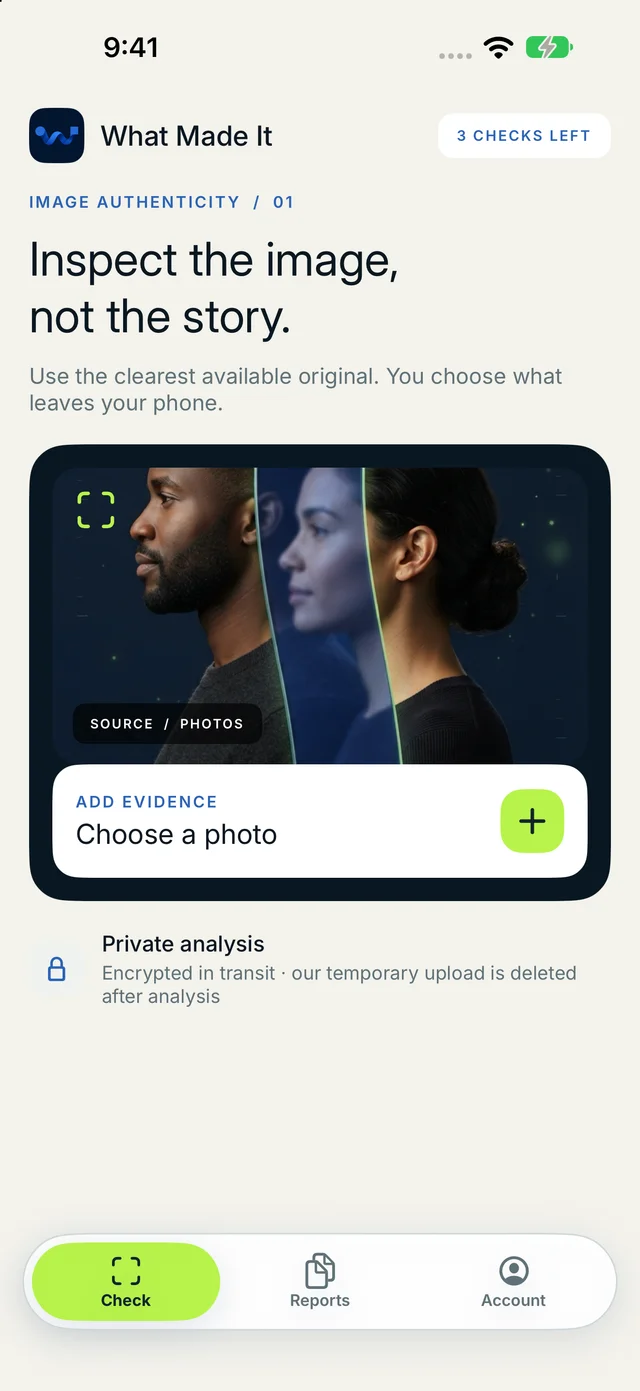
Check an image from Photos, Files, Camera, or the iOS share sheet. The report shows what it checked and where the evidence stops, so a model signal is never presented as proof.
- Device
- iPhone · iOS 17+
- Input
- One image at a time
- Access
- Free checks available
A check with clear limits
One image. Three simple steps.
- 01
Start with the best source
Choose the original when you have it. Screenshots and compressed copies are labelled clearly because they tell us less about the source.
- 02
Confirm what leaves the phone
Review the image, how it will be processed, and how data is handled before uploading. Nothing is sent until you confirm.
- 03
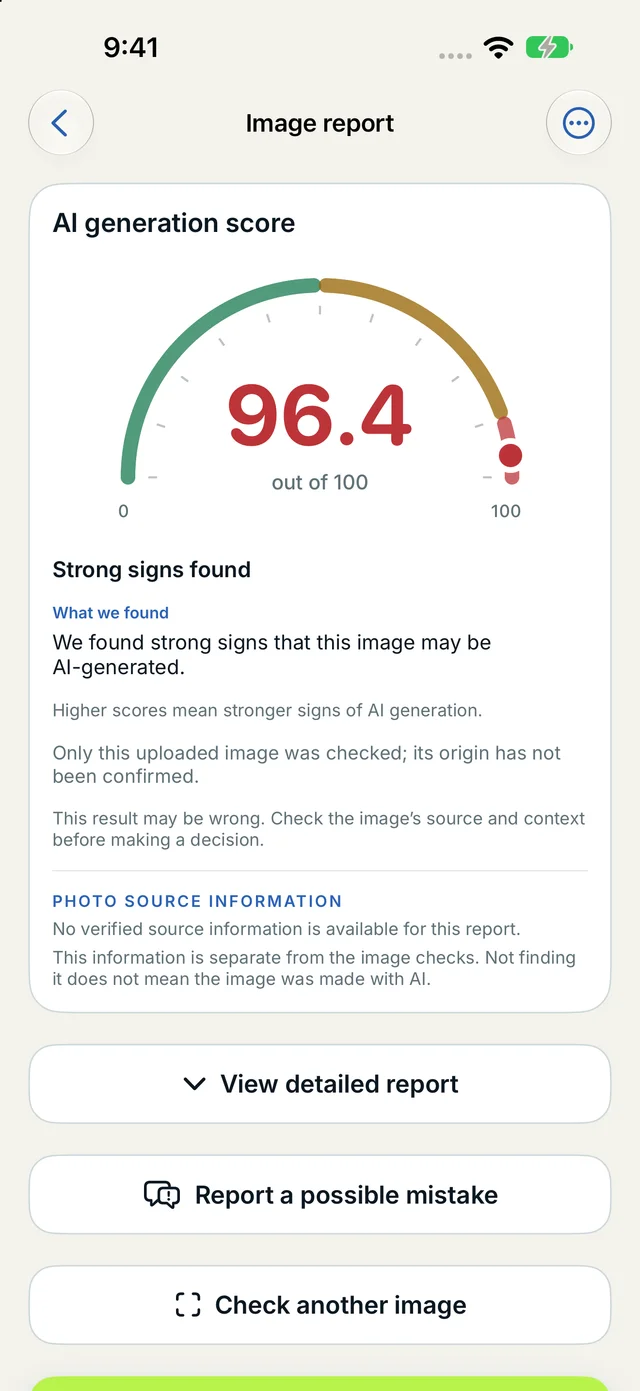
Read a report with clear limits
Read the assessment, available clues, other possible explanations, and limitations. “Inconclusive” is a complete result when the evidence is not enough.
Evidence before certainty
A report that explains where it stops.
What Made It? keeps detector clues, file information, and available origin records separate. A low model signal is not renamed “authentic,” and missing metadata is not treated as proof of AI generation.
- The checked file and what was examined stay visible.
- Model limits and unavailable checks remain part of the result.
- Paid access changes the number of checks and report tools—not the conclusion.
The app does not identify people, compare faces, or infer sensitive traits. Accepted originals are handled under the published retention policy.
An assessment is technical evidence about one submitted image. It is not proof of authorship, intent, or truth.
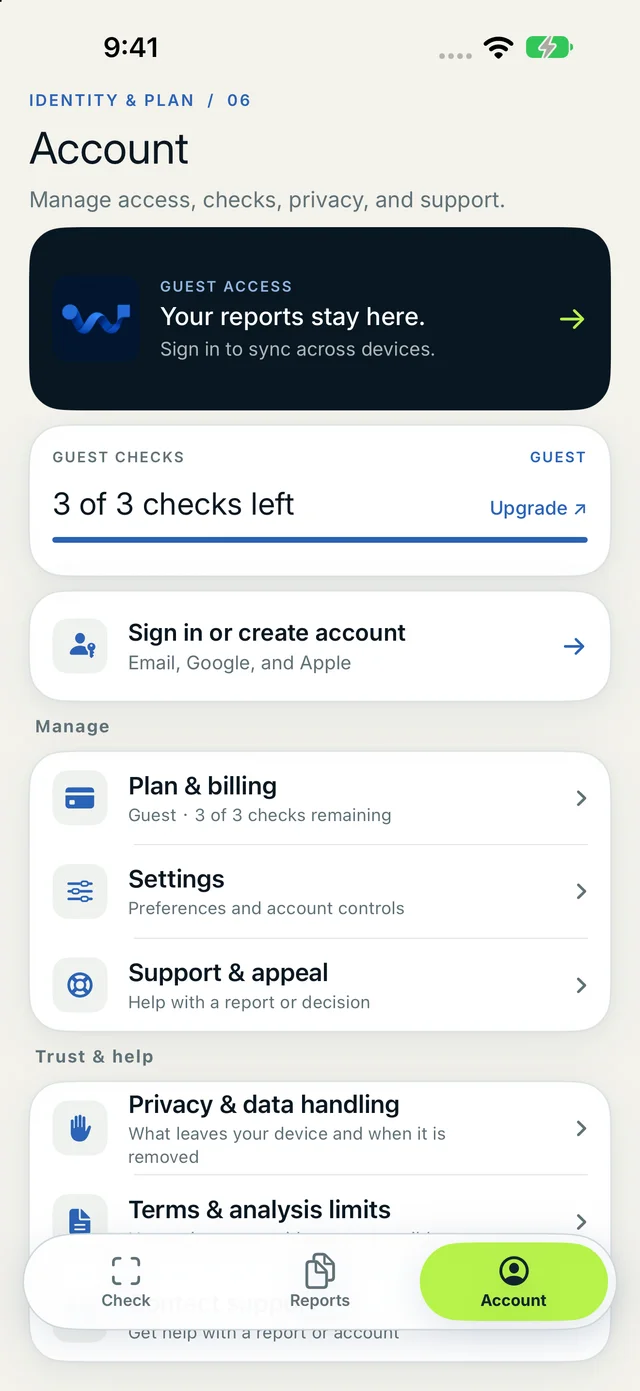
Sign in to keep eligible history across devices. You can delete individual reports or close the account whenever you choose.
Available now on iPhone
Keep an image check close at hand.
Open this page on iPhone, or scan the code from another screen. The current app is in English and needs an internet connection to run a check.

Before you download
A clear starting point.
What can the iPhone app check today?
The current iPhone app checks one image at a time. Choose a picture from Photos or Files, take a photo, or send an image through the iOS share sheet.
Does a result prove that an image is real or fake?
No. The report describes available model, file and provenance signals for the submitted image. It does not prove authorship, intent or whether the depicted event happened.
Do I need an account?
You can try free image checks without creating an account. Signing in lets an eligible paid account keep reports and its cloud check limit in sync across devices.
iPhone app information last reviewed .